

Welcome to Microvillage Communications
Send a message
A highly visible wall-mounted call button designed for customer assistance, emergency alerting, notification and communication through compatible Algo IP endpoints.
Request a Quote →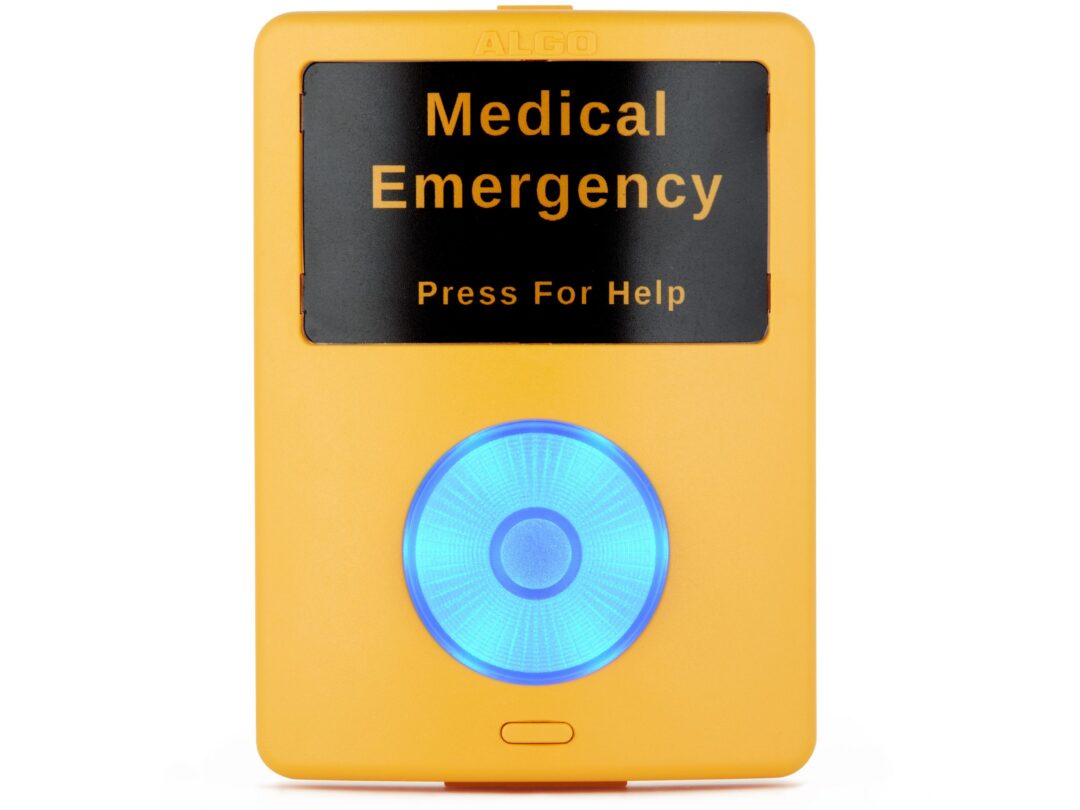
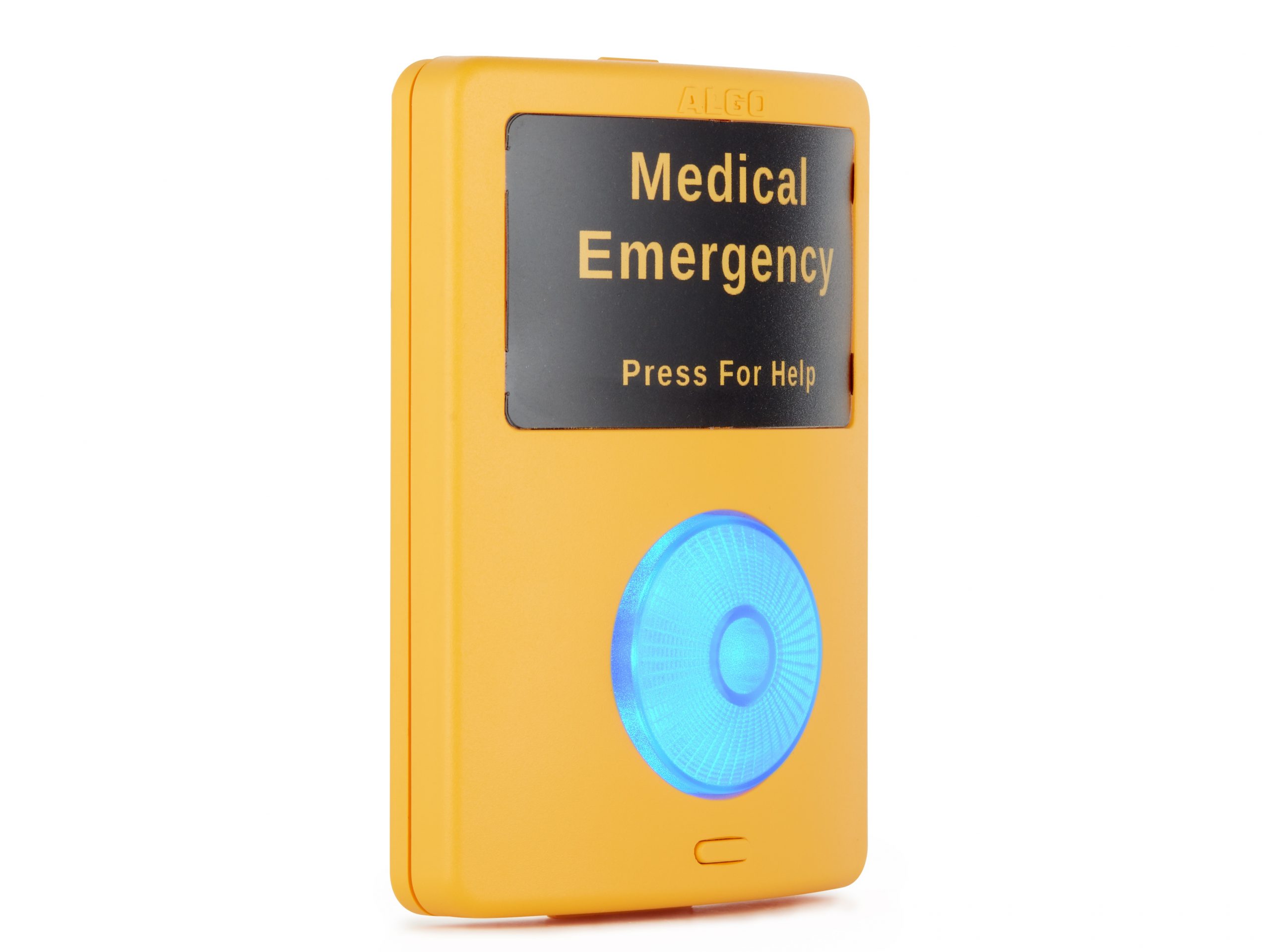
The Algo 1202 Call Button is a wall-mounted smart-relay accessory designed to provide a highly visible physical activation point.
When connected to a compatible Algo IP endpoint, the illuminated call button can be configured to initiate an alert, announcement or SIP-based call.
A secondary button beneath the primary button allows an active event to be stopped or paused locally.
The 1202 combines a highly visible physical interface with the intelligence and supervision of a connected Algo IP endpoint.
A large illuminated button makes the activation point easy to find in public and high-traffic areas.
Configure the button to trigger an announcement, alert or SIP-based communication action.
The smaller secondary button can stop or pause an active announcement or triggered event.
Illumination provides visual feedback when the button is activated.
The included label template allows the button to be identified according to the application.
Single twisted-pair wiring allows the button to be installed where users need it.
The 1202 uses the connected Algo IP endpoint to process the button input and execute the configured communication or alert action.
A user presses the highly visible illuminated primary call button.
The connected Algo IP endpoint receives the relay input from the 1202.
The endpoint can initiate an alert, multicast announcement or configured SIP call.
The secondary button can be used to stop or pause an active triggered event.
The two-button interface provides a straightforward activation and cancellation workflow.
The 1202 is a smart-relay accessory rather than a standalone network endpoint. It connects to compatible Algo IP devices through their relay input.
This allows the connected endpoint to provide power, supervision and configuration for the call button.
Depending on the connected Algo endpoint and its configuration, the 1202 can initiate different types of communication.
Trigger an alert or announcement that can be distributed to selected devices or zones across the network.
Make a SIP call to a configured extension and play a pre-recorded audio notification when the call is answered.
When connected to a compatible Algo speaker, the button can initiate hands-free two-way communication.
The highly visible design makes the 1202 suitable for environments where users need an obvious and accessible call or assistance point.
Emergency notification, classroom assistance and safety communication.
Machinery, process and workplace notification workflows.
Customer assistance and guest-service requests across stores and public areas.
Medical emergency notification and assistance workflows.
Assistance points for airports, bus terminals and rail facilities.
Accessible assistance and emergency response points for public facilities.
Key product and installation information for project planning.
The 1202 interfaces through relay inputs on compatible Algo IP endpoints and accessories.
Connect the call button to compatible Algo IP speakers to trigger announcements or hands-free communication.
Compatible paging adapters can process the relay input and execute configured alert actions.
Use the button with compatible Algo visual notification devices for alerting workflows.
The 1202 Call Button should be evaluated as part of the complete communication or alerting system in which it is deployed.
Operation depends on the connected Algo IP endpoint, network availability, power, configuration and any associated communication infrastructure.
The device is intended for appropriate indoor installation and should be installed according to the manufacturer's installation requirements.
The 1202 should not be treated as a standalone life-safety or mass-notification system.
Connect with Micro Village Communications for product information, availability and guidance on integrating Algo communication and emergency notification solutions into your project.
Contact MicroVillage → WhatsApp