

Welcome to Microvillage Communications
Send a message
The Algo 1212 Dual Button provides two configurable physical buttons that connect to a compatible Algo IP endpoint through a smart relay interface.
Request a Quote →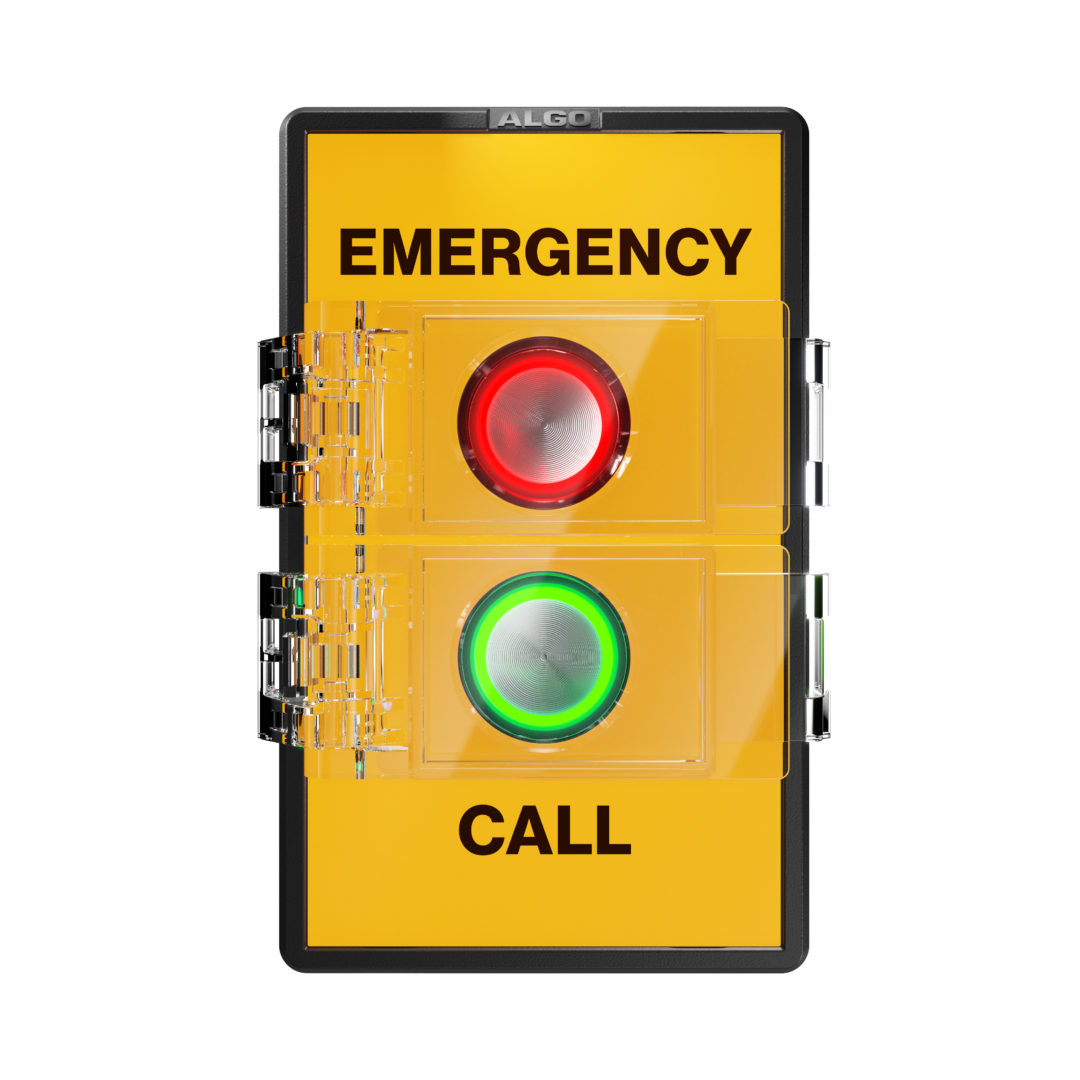
The Algo 1212 Dual Button is a smart relay accessory designed to connect with compatible Algo IP endpoints.
Each button supports both a standard press and a long press, providing up to four independently configurable actions.
This allows separate operational communication and emergency workflows to be implemented from one compact, supervised device.
The 1212 extends the functionality of a compatible Algo IP endpoint while avoiding the need for a separate network-connected button device.
Connect the 1212 to a compatible Algo IP endpoint through the smart relay interface.
Each button can be independently configured for a different communication or alert workflow.
Use press and long-press actions on both buttons for up to four configurable responses.
Configurable LED illumination and flash patterns provide clear visual status feedback.
Faceplate labels help identify buttons by location, workflow, language or response type.
Optional protective covers can help reduce accidental button activation.
Each physical button supports separate press and long-press behavior, giving system designers greater workflow flexibility.
Configure a standard press to initiate a routine communication or assistance workflow.
A long press can be configured for a separate emergency or escalation workflow.
Use the second button for a dedicated communication or assistance function.
Configure an additional long-press action for another response or escalation workflow.
The 1212 receives power and supervision through the connected compatible Algo IP endpoint rather than requiring its own dedicated network connection.
The smart relay architecture allows two configurable buttons to become part of an existing Algo communication infrastructure.
Because the 1212 does not require a dedicated network connection, it can avoid consuming another network port or requiring a fully network-connected device.
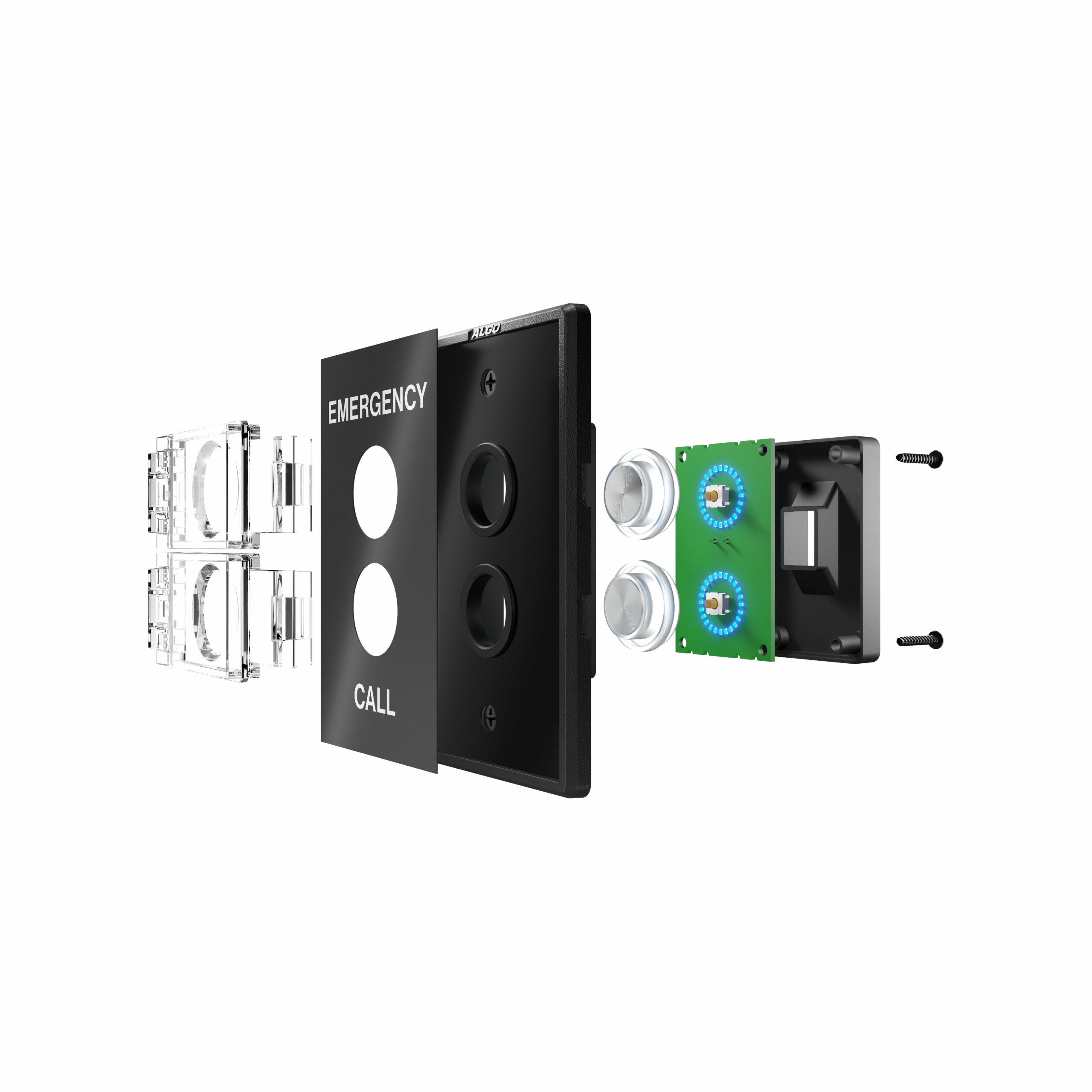
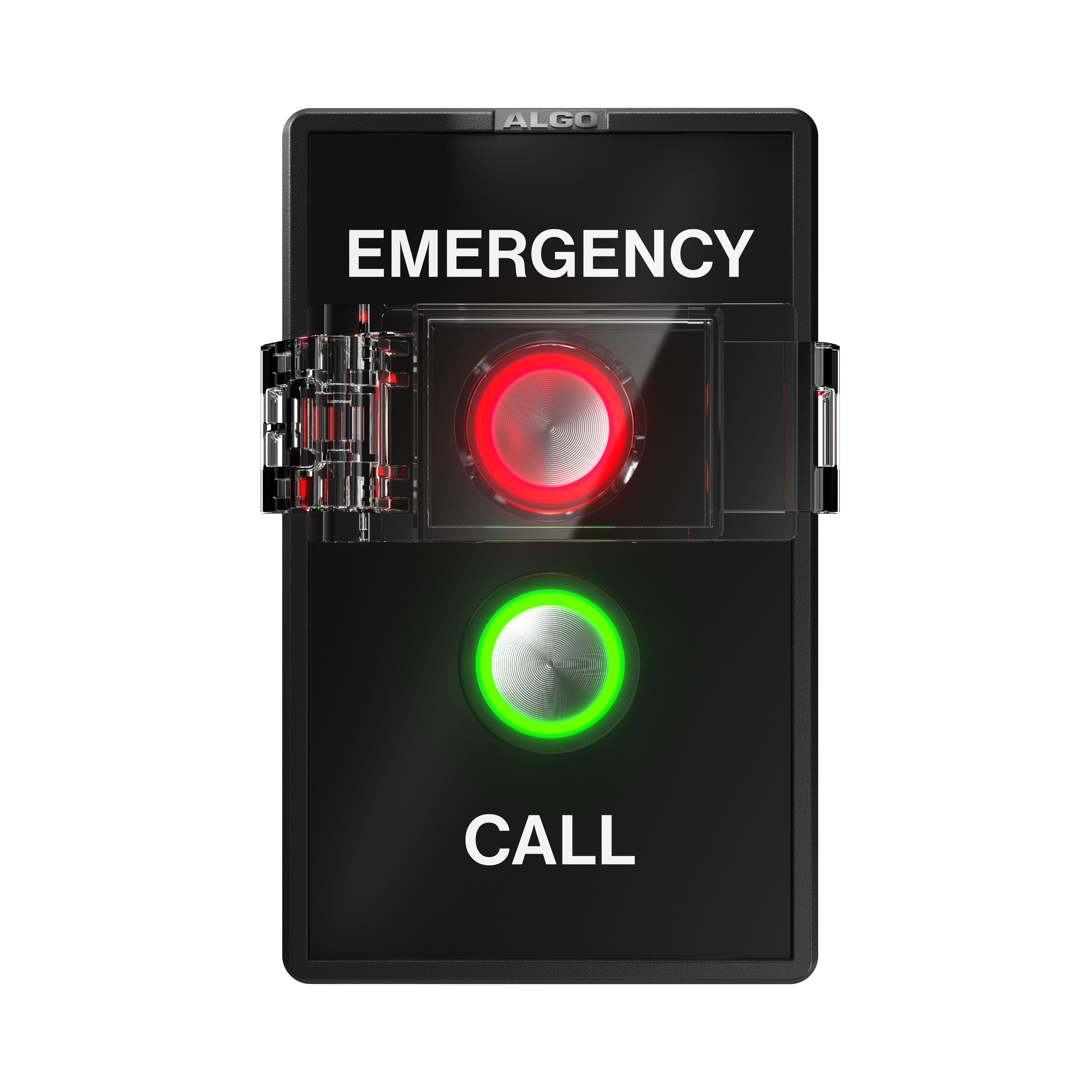
Configurable multi-color illumination and flash patterns help users identify button status and confirm when a press has been detected.
The LED ring provides visual feedback that can help users understand when a communication or alert workflow has been initiated.
Designed to make different button functions easy to identify while helping reduce unintended activation.
Labels can identify buttons according to location, workflow, language or response type.
Configure the two buttons separately so they can perform different operational functions.
Protective covers can help prevent unintended button presses in suitable installations.
Key technical and installation information for project planning.
Two independent buttons make the 1212 suitable for environments where different workflows need to be activated from one supervised device.
Classroom assistance, lockdown initiation and emergency communication workflows.
Routine staff communication and emergency escalation from a wall-mounted device.
Separate assistance requests and emergency duress notification workflows.
Trigger different communication or alert workflows according to operational needs.
Supervised communication and emergency response workflows across public facilities.
Separate operational assistance from safety or emergency escalation workflows.
The 1212 is designed to connect through compatible Algo IP endpoints.
Dry indoor location only: The Algo 1212 is intended for dry indoor locations.
Wiring connected to the 1212 should not leave the building perimeter without appropriate lightning protection.
The 1212 is not intended to function as a standalone life-safety or mass-notification system. It should be evaluated as part of a broader communication or alerting solution.
Operation can depend on network availability, power continuity, configuration and associated hardware, software and services.
Connect with Micro Village Communications for product information, availability and guidance on integrating Algo communication solutions into your project.
Contact MicroVillage → WhatsApp